Goals & tasks
From dream to plan
A goal in iBucket is anything you want to achieve, big or small, short or long term — from “Visit the Empire State Building” to “Run a marathon”.
- Create a goal in seconds
- Press the + button at the bottom, give your goal a name and it is on your bucket list. Add it to a list or trip straight away, or sort it out later.
- Break it into tasks
- Add tasks such as “Buy plane ticket” or “Reserve hotel room”. Every task you finish moves the goal forward.
- Mark it as completed
- Swipe a goal to the right on a list and tap ✓, or toggle Completed on the goal itself. Done!
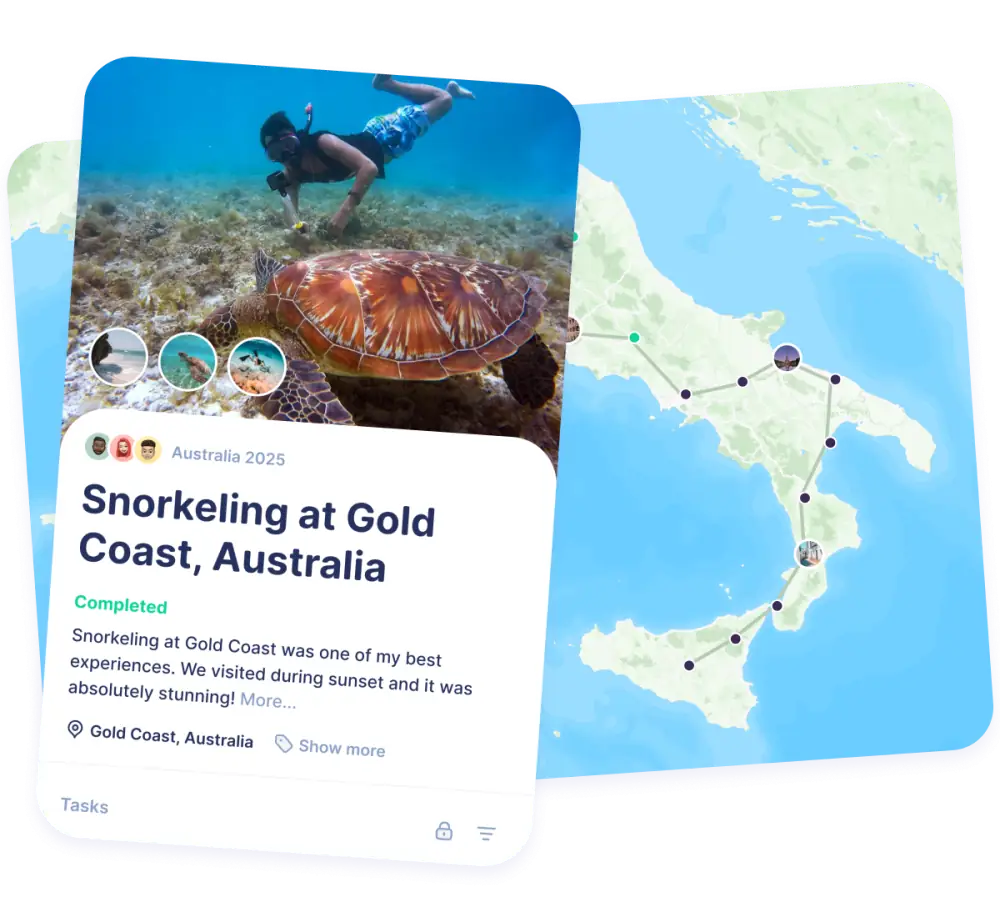

Lists & sharing
Organise and work together
Group your goals into lists and see your overall progress at a glance. Invite others and achieve them together.
- Lists with progress
- Want to visit all 50 US states? Add 50 goals to a list called “US States” and see your overall progress grow with every state you tick off.
- Shared goals
- Invite your partner, friends or family to a list, a trip or your whole bucket list. Everyone can add goals and tick them off.
- Plan goals into trips
- Link goals to a trip and plan them day by day, so your next holiday ticks off a few dreams at once.

How to achieve your goals in 7 steps
Most goals are not missed because they are too big, but because they stay vague. These seven steps turn “someday” into a plan you can actually follow.
-
1
Write your goal down
A goal that only lives in your head is easy to forget. Writing it down makes it concrete and gives you something to come back to.
In iBucket: press + and add the goal to your bucket list.
-
2
Make it specific
“Travel more” is a wish; “See the northern lights in Norway” is a goal. Describe exactly what success looks like, so you know when you are done.
In iBucket: give the goal a clear, concrete name, like the example above.
-
3
Know your why
Ask yourself why the goal matters to you. A strong reason keeps you going when motivation drops, and helps you choose between goals.
-
4
Break it into small tasks
Big goals feel overwhelming. Split them into tasks you can finish in a day or a week: research, book, save, practise. The first task should be easy enough to do today.
In iBucket: add tasks to the goal and tick them off one by one.
-
5
Give it a date
A deadline turns “one day” into “this summer”. Pick a realistic date, or link the goal to a trip you already have planned.
In iBucket: add the goal to a trip and plan it on a specific day.
-
6
Share it with someone
Telling someone about your goal adds accountability, and goals are often more fun to achieve together.
In iBucket: invite your partner, friends or family to the list or trip.
-
7
Track progress and celebrate
Look at your progress regularly, adjust where needed and celebrate every goal you complete. Seeing how far you have come is one of the best motivators there is.
In iBucket: mark the goal as completed and add a journal entry with photos of the moment.

Frequently asked questions
What is a goal in iBucket?
A goal is something you want to achieve in the future, for example “Visit the Empire State Building”. It can be a short or long term goal, and you can add tasks to it to track your progress.
What is the difference between a goal and a task?
A goal is the result you want to reach; tasks are the smaller steps that get you there. “See the northern lights” is a goal, “Book a cabin in Tromsø” is a task.
How many goals should I have?
There is no right number. Many people keep a long bucket list of dreams and choose three to five goals to actively work on at a time.
Can I achieve goals together with someone else?
Yes. Invite your partner, friends or family to a list, a trip or your whole bucket list. Everyone can add goals and mark them as completed. People you invite never need to pay to join.
Is the iBucket goal tracker free?
Yes, iBucket is free to download and use. On the free plan you can share one list, trip or your bucket list with as many people as you like. Premium gives unlimited sharing and extra features.
Start with your first goal today
Download iBucket for free and turn your dreams into a plan, on your own or together.