
Invite
One list, everyone in
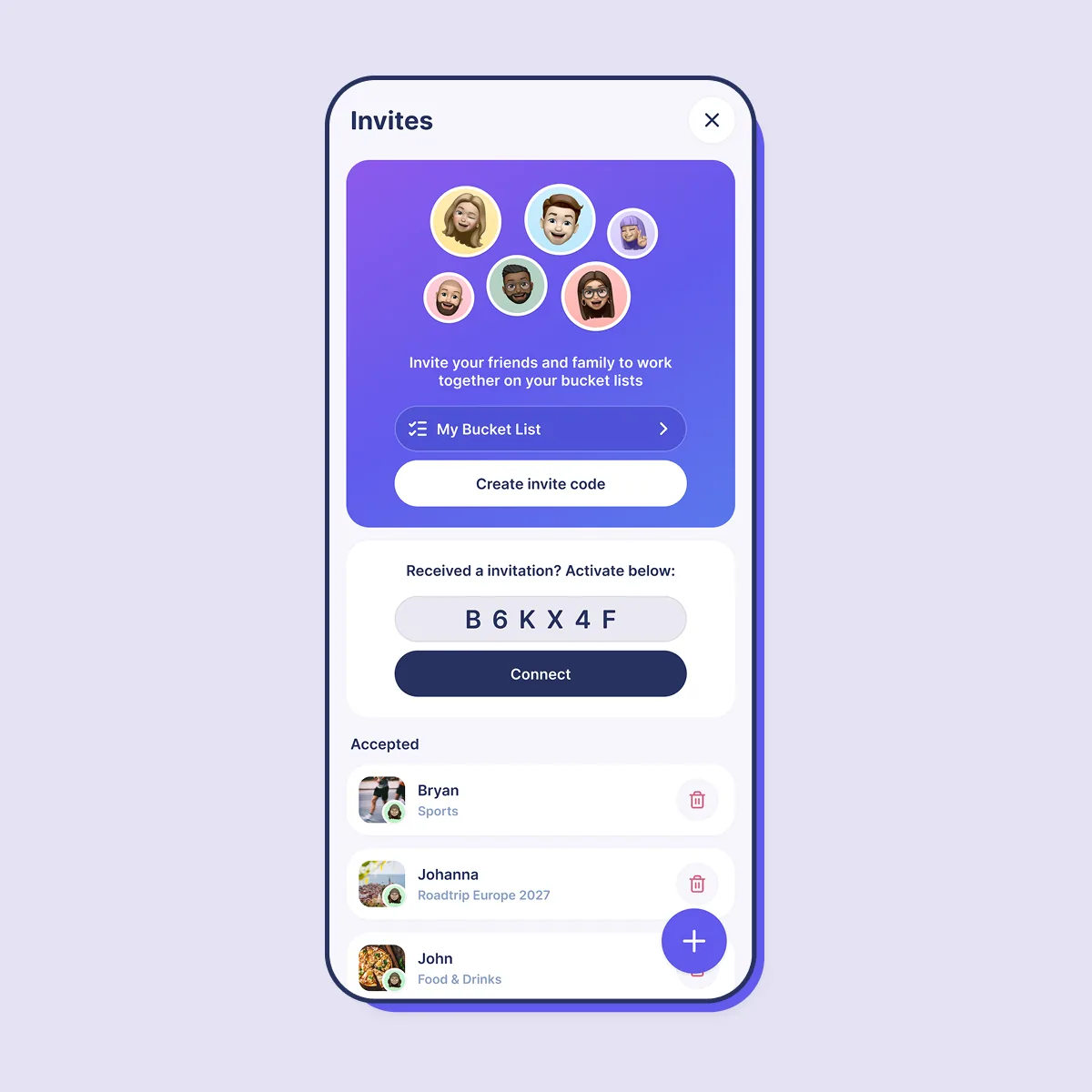
Choose what you want to share and send an invite. The people you invite join for free, on iPhone or Android.
- Share a single list
- Keep a list for the two of you, or one for a group of friends. Your other lists stay your own.
- Share your whole bucket list
- Prefer to share everything? Invite someone to your complete bucket list instead.
- Invite with a link or code
- Create an invite and send it through any app you like. An invite code is valid for 7 days.

Together
From shared dreams to real plans
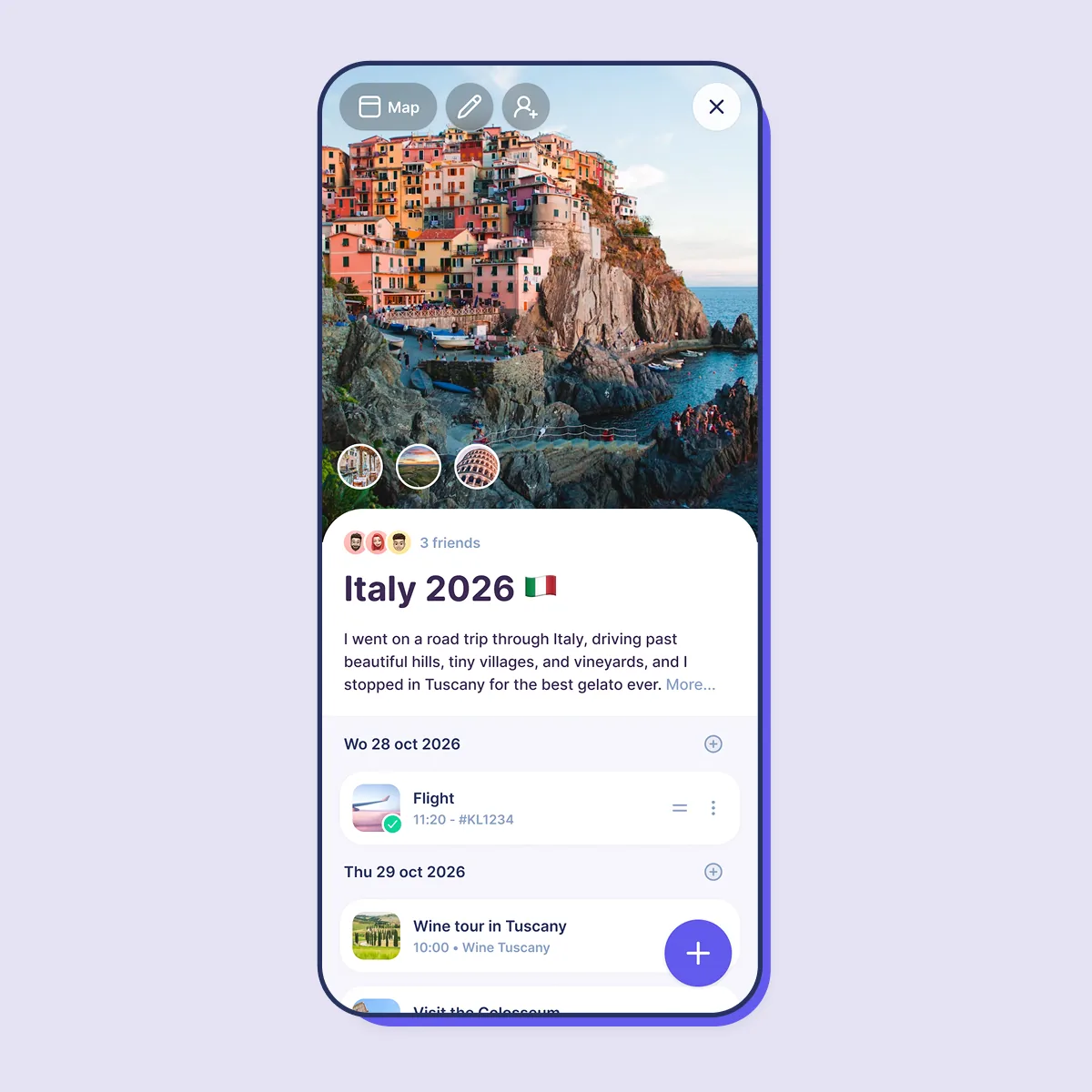
Collect ideas together, pick one and turn it into a trip you plan day by day.
- Add and tick off together
- Everyone in the list can add goals and mark them as completed.
- Plan trips as a group
- Share a trip, put goals on the days you want to do them and keep reservations in one place. Your budget stays visible to you only.
- Private by default
- Your account is private: only the people you invite or approve can see what you share.
How to make a bucket list together
A shared bucket list works best when it belongs to all of you. These steps get you from loose ideas to the first one ticked off.
-
1
Write your own ideas first
Give everyone ten minutes to write down what they want to do, without discussing it. You will get more honest and more surprising answers.
-
2
Compare and combine
Read your lists to each other. The ideas you share go on the list right away; the rest are great conversation starters.
In iBucket: press + to create a list, then add your goals.
-
3
Invite the others
Share the list, so it does not depend on one person to keep it up to date.
In iBucket: open the list, press Share at the top right and send the invite.
-
4
Mix big and small
Put a sunrise breakfast next to a trip around the world. Small goals keep you going while you save for the big ones.
-
5
Pick one and set a date
Choose one goal that everyone is excited about and put it in the calendar. Take turns choosing the next.
In iBucket: add the goal to a Trip and plan it on a day.
-
6
Keep the memories
Add photos and write down what happened. Looking back is half the fun of doing it together.
In iBucket: mark the goal as completed and write a journal entry.

Bucket list ideas to share
Need a start? Pick a few of these and make them your own.
For couples
- Recreate your first date
- Watch a sunrise and a sunset on the same day
- Take a dance class together
- Spend a night in a treehouse
- Learn to cook each other’s favourite dish
- Travel somewhere neither of you has been
- Write a letter to open in ten years
For friends
- Go on a road trip without a fixed plan
- Camp under the stars
- Visit a music festival together
- Run a race as a team
- Let someone else plan a surprise weekend
- Cook a dinner with a dish from everyone’s favourite country
- Recreate an old group photo
For families
- Build a treehouse or a blanket fort
- Make a family recipe book
- See a shooting star
- Visit the place where your grandparents grew up
- Plant a tree and watch it grow
- Let the children plan a whole day
Sharing for free and with Premium
Free
- Share one list, trip or your bucket list
- Invite as many people as you like
- The people you invite join for free
- 5 goals per person
Premium
- Share all your lists and trips
- Unlimited goals
- Everyone in your lists can add unlimited goals there
- The people you invite still join for free
Frequently asked questions
What is a shared bucket list?
A shared bucket list is a list of things you want to do together with your partner, friends or family. Everyone can add ideas, and you tick them off together.
Is there a bucket list app for couples?
Yes. In iBucket you invite your partner to a list, a trip or your whole bucket list. You can both add goals and mark them as completed, each on your own phone.
How do I share my bucket list?
Press + and choose Invite, enable the list, trip or bucket list you want to share and send the invite. You can also open a list or trip and press Share at the top right.
Does it work between iPhone and Android?
Yes. iBucket is available for both, and you can share lists between them.
Is sharing free?
Yes. On the free plan you can share one list, trip or your bucket list with as many people as you like, and they can join for free. The free plan includes 5 goals per person. Premium gives unlimited goals and unlimited sharing.
Do the people I invite need Premium?
No. Anyone can join your shared list or trip for free. If you have Premium, everyone in your lists can add unlimited goals there. On the free plan, the goals they add count towards their own free limit.
Can other people see my private goals?
An invite to a single list or trip only gives access to that one. Your account is private: besides the people you invite, only friends you approve can see your bucket list.
Start your list together
Download iBucket for free and invite the people you want to do it with.